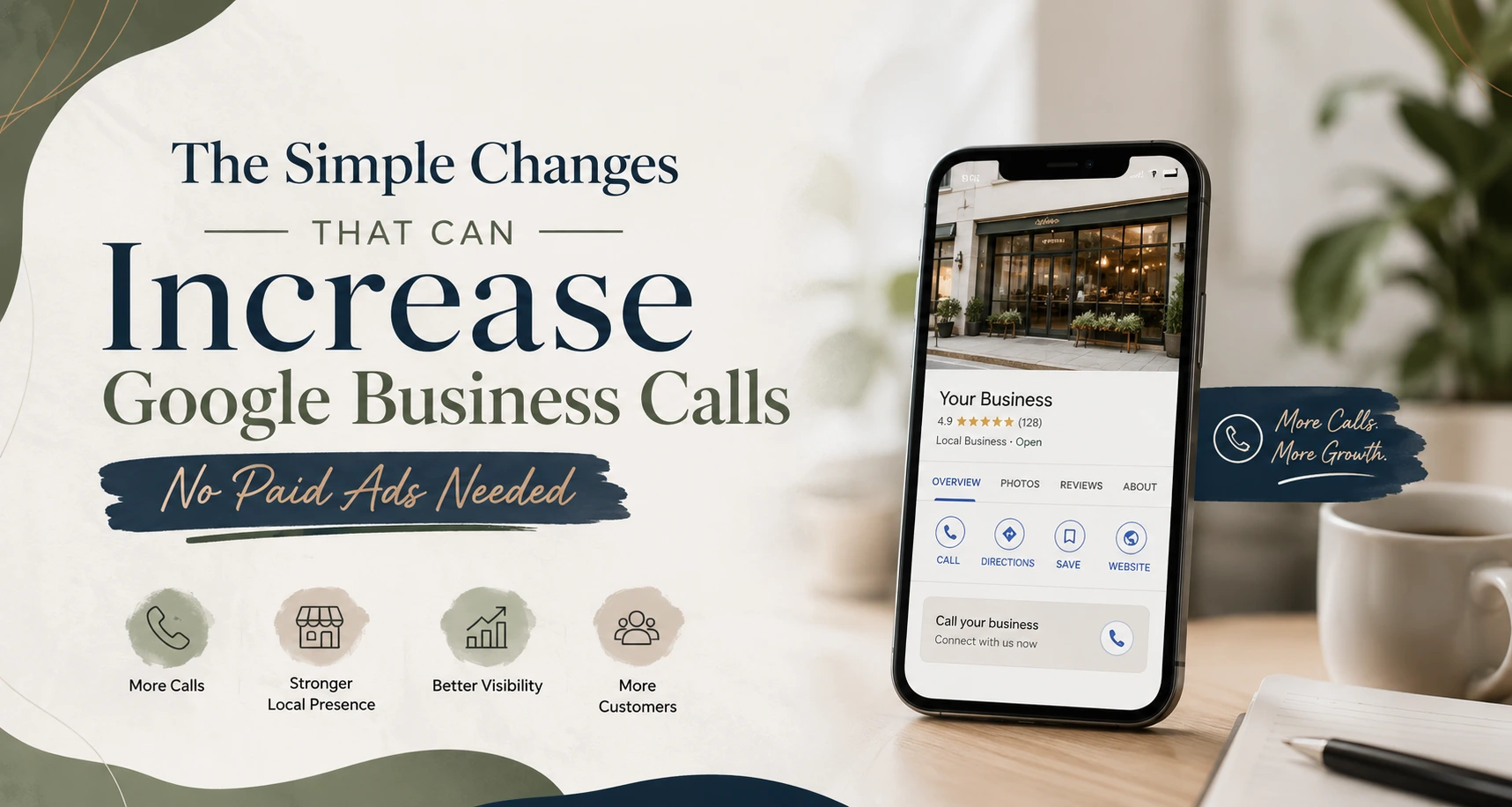
You’ve got a Google Business Profile (GBP) that’s live and visible in Google Maps, but you’re not getting the calls you should be. Every day when you access your GBP dashboard, you see in Google Insights that people are discovering and viewing your listing, some even clicking on it but hardly anyone is calling the number.
That feeling is real. It’s a lot more common than anyone can imagine. The reality is, your Google Business profile is more than a listing; it is an inbound salesperson that works for your business 24/7 on Google. If your inbound salesperson isn’t properly dressed, speaking the right language, or developing enough trust then prospects don’t make the call.
The really good news? You don’t have to invest money into advertising; you only have to make a handful of simple updates. We’ll detail each of those updates in this article.
Why Most Google Business Profiles Are Losing Calls Every Single Day
Let’s look into the issue first before we work on how to resolve it.
When someone types in “digital marketing company in Andheri East” or “best accountant near Borivali” into Google, they are presented with a list of companies on the first page of results. This is referred to as the Local Pack, three businesses with stars, their phones and an interactive map located near/below the top of the page.
There are several factors that will determine whether your business will be included in this Local Pack or whether a potential customer will call your business; the two most important are whether your business is listed completely (profile complete, images, reviews, time to respond to customer’s queries, type of business, etc.) and the way your listing looks to a potential customer. Many businesses may get fewer inquiries than they deserve due to these signals being incorrect.
Simple Change 1: Complete Every Single Section of Your GBP
Does an incomplete Google Business Profile really affect calls?
Absolutely, a lot. According to Google’s own information, businesses that complete their profiles have a greater likelihood (70%) of receiving visits/calls based on that same consumer’s location versus those who do not complete their profiles. Each time you leave something empty, it is another chance you missed out on.
Head to your Google Business profile control panel right now and review the following items:
Legal Name of the Business – Use your actual/business name. Do not stuff your name with random keywords such as “Best Plumber Muai Andheri Cheap” etc.
Primary/Secondary Category – This is a very important factor. For example, if you run a Digital Marketing Agency, then your primary category should be “Digital Marketing Agency” and not just “Marketing Agency.” Primary categories would be Digital Marketing Agency, SEO Agency, Advertising Agency, etc. Your Secondary Categories would include, but are not limited to:
Business Description – You have 750 characters. Those should be used wisely. Make sure to include what you do, where you are located (Malad, Borivali, Powai, Andheri) and who you help.
Phone Number – Double-check your number. you’d be amazed how many companies are using the wrong phone number on their GBP.
Website – Do not just link to your homepage, but link to the page that best supports your own business very best.
Hours of Operation/Closing/Days Off – include when you will be closed due to a holiday.
Attributes – For example: Women Owned Business, Free Consultation, Serves Mumbai are all examples of attributes that will increase the consumer’s confidence in you and/or your business.
Simple Change 2: Add High Quality Photos (This Matters More Than You Think)
Many business owner fail to realize how important it is to add images to their Google My Business page.
According to Google, businesses that have images on their profiles get 42% more requests for directions and 35% more click-throughs to their websites than businesses without images on their profiles. Click-throughs then create phone calls.
Add these types of images to your profile:
Exterior image: An image showing what your office or storefront looks like from the outside; helps customers become confident in locating you.
Interior image: An image showing what your workplace looks like on the interior; customers want to see what type of environment they will be entering when they arrive.
Team images: An image showing the faces of the individuals at your business; customers are more likely to trust your business when they see who they will be communicating with.
Process/service images: An image representing how the products/services you provide are being delivered. For example, a digital marketing agency could post images from meetings, screen grabs of new campaigns, or awards that they have won.
Logo: A clearly designed high-resolution image showing your logo.
Cover Image: The cover image is the first image customers will see; be sure to give your best effort with the cover image.
How many images do I add to Google My Business?
At a minimum, you should have at least 10 images on your profile. You should also upload at least 1 or 2 new images every month because Google favors “fresh” (new) content. Pictures that create an “active” business signal to Google the type of business you are; active businesses have higher search engine ranks and will receive more phone calls.
Tip: Name your image before you upload it; instead of uploading an image titled “IMG_202812.jpg,” you could upload it using the name “Digital-Marketing-Agency-Andheri-East-Office.jpg.” By doing this, you will give Google additional context regarding your business and location.
Also Read: How To Add Phone Number In Google Business Profile 2026
Simple Change 3: Write a Business Description That Sells
An opportunity for you is the 750 character business description on your Google Business Profile (GBP). Most companies do not make use of this opportunity at all by leaving it blank or only writing generic phrases like, “we’re a leading company in quality services”. This really won’t help anyone out there.
Your business description should serve three purposes:
1) Tell Google what you do.
2) Tell customers why they should choose you.
3) Include your service area naturally.
A poor example would be:
“We offer digital marketing. Give us a call for more information.”
A good example would be:
“At ABC Digital Marketing, we help small and medium business grow their online presence from Malad, Borivali, Powai, Andheri East, to Andheri West using SEO, social media marketing, Google Ads, and website design. We have over 7 years of experience and 200+ happy clients within the Greater Mumbai Area, resulting in measurable results of website visits, leads generated, and phone calls received. Schedule a free consultation today.”
Notice how the second example speaks directly to the reader, mentions service areas organically, and leaves the reader with a clear call to action?
Simple Change 4: Get More Reviews and Respond to Every Single One
Do Google Reviews impact how many calls you receive?
In two ways, yes. More positive reviews also move your listing higher up in a local search result page, which provides increased exposure to more potential customers. Customer Reviews are a type of social proof, and similar to word-of-mouth advertising, can be converted into real-time demand from customers. Reviews help to demonstrate the quality of your service, ultimately giving customers a reason to call you instead of your competitor.
Here are some tips for obtaining consistent and positive reviews:
After completion of every successful project/service, send a direct review link to your customer via WhatsApp
Put review requests in an email and on invoices when sending them out.
For happy customers, encourage your team members to verbally ask them for Google reviews: “It would mean a lot if you could leave us a Google review”
Have a QR code linking to your review page where customers can scan for access at your reception or business entrance.
Responding to reviews is just as crucial as collecting them. By responding to reviews using key phrases related to your service and location, you are providing Google with a local relevance signal.
Also Read: How to Remove Bad Reviews from Google My Business & Protect Your Reputation in 2026
Simple Change 5: Use Google Posts Every Week
The majority of companies do not realize that the Google Posts feature exists; Google Posts are updated information (similar to a social media post) that can be found on the company’s Google Business Profile listing appearing in search results. You can post using Google Posts regarding:
1) New services or special offers
2) Success stories from clients
3) Upcoming events or webinars
4) Tips and recommendations related to your business
5) Festival greetings with an invitation to act
All Google Posts have a button associated with them (Call Now, Book Now, Learn More, Get Offer) that link to your phone.
All Google Posts are live for 7 days, so posting every week keeps your profile up to date and keeps your business in front of potential customers. If you are posting on a regular basis, you are indicating to Google that you are an active business and, therefore, will receive higher visibility in local search results.
Example: A boutique fitness center in Powai started posting weekly specials to their GBP every Monday. In the first 2 months they generated an additional 55% of their total calls from Google as a result of these weekly posts. No cost and a 10 minute time investment.
Simple Change 6: Add All Your Services With Prices
Most of the time, businesses aren’t using this tool effectively and it’s a huge opportunity for your business.
Once you access the Services tab in your Google Business Profile (GBP) Dashboard, make sure to enter every single service you offer including:
– Name of each service
– Description of each service
– How much each service Will cost (or how much they could cost).
When someone is searching for three businesses on maps, whomever clearly shows what they offer and the cost of their services will tend to be the one who gets chosen. The prospective customer no longer has to call and ask the question of “What do you have?”, they will call to set up an appointment.
For example, as a digital marketing company in Borivali your services could be:
Search Engine Optimization (SEO): Starting Price Should Be At ₹8,000/month
Google Ads Management or Google Adwords: Package Starting Price ₹5,000/month
Social Media Marketing Package: Starting Price Should Be At ₹6,000/month
Website Design & Development: Pricing Packages Starting From ₹15000
Google my business: Price Packages Should Be At ₹3,000/month
At a very least, approximate pricing gives the potential customer confidence. With no visible pricing, a potential customer might hesitate to make a phone call. By showing pricing on your GBP profile, you’ll get more potential customers to call and set up an appointment.
Simple Change 7: Enable Messaging and Answer Fast
Customers can message your business right from your Google Business Profile (GBP) site. Make sure you have that enabled right now and if you have not done so already.
The worst part here is that your average response time is shown publicly by Google. So if you typically respond in a few minutes, then the average response time that your prospective customer sees is a few minutes. If you typically respond in two days, that is the average response time that your potential customer sees.
Quick response times help create a lot of trust. It lets the potential customer know, “This business responds quickly; they will answer the phone; they care about their customers.”
Set up GBP messaging, connect GBP messaging to your phone via the Google Maps app, and respond to every message as quickly as you can, preferably within one hour. This is a single habit that will significantly increase conversions from calls that come from customers that you have communicated with via GBP messaging.
What is the ideal response time for Google Business Profile messages?
Response times should be under one hour during regular business hours. Google recommends that you respond to messages within 24 hours of sending them to maintain messaging eligibility. If you cannot consistently respond to messages, designate one employee to be the point of contact for GBP messages.
Also Read: How Local SEO Can Double Your Business Enquiries (Real Guide for Indian Businesses)
Simple Change 8: Keep Your Business Information Consistent Everywhere
One way to ensure that you have a consistent presence across all online platforms is through NAP consistency, which stands for name, address, and phone number.
Consistent NAP is important because it helps Google determine the legitimacy of your business and ultimately rank it accordingly in their local search results, so be sure to maintain accurate NAP information on:
– Your Google Business Profile
– Your website
– Your Facebook page
– Your listings on JustDial, Sulekha, IndiaMART, Yelp and any other online directory where you list your business.
Be aware that even the smallest differences in the way you spell or write things can create confusion with regard to how Google’s algorithm works and could affect the way they rank your business, so it is incredibly important to use consistent NAP information across all online platforms.
Best Practices Checklist: Do This Every Month
a) Upload 2 additional pictures
b) Write & Publish 4 posts to Google one a week
c) Ask 5 – 10 satisfied customers for Reviews
d) Reply to every review you receive whether it’s positive or negative.
e) Verify phone number, operating hours, & address are accurate
f) Create or update at least 1 service
g) Review the GBP analytics to see what searches lead people to your listing & adjust where necessary.
Frequently Asked Questions
How long will it take to see results from updating my Google Business Profile?
Typically, most companies will start to see an increase in visibility and phone calls within 3–6 weeks of continuously updating their profiles. Google rewards freshness and complete data; therefore, the longer a business maintains its GBP in a consistent manner, the quicker and longer-lasting the positive results will be.
Do the number of Google Posts have any effect on my local rank?
Yes. Indirectly, regular posting via Google Posts demonstrates activity on the part of the business owner, which is a positive relevance signal to Google’s local algorithm. Therefore, while Google Posts alone do not guarantee top ranking, companies that post weekly and have good reviews, along with a complete profile, are more likely to have better rankings than those companies that do not.
Should I include service areas such as Malad, Borivali, Powai, Andheri E & W on my GBP?
Yes! You should use the Service Area setting in you GBP to locate all of your service areas on your GBP. Therefore, if you service Malad, Borivali, Powai, Andheri (East & West) and other suburbs throughout Mumbai, then you should list them on your GBP profile so that Google knows what local searches should return your business as an option, which will ultimately give your business greater visibility.
Conclusion
A large budget is unnecessary to gain more calls via Google. To accomplish this, you need an entirely optimized Google Business Profile that is up and running in order for you to gain your customer’s trust through effective, concise communication to potential customers along with sending the right signals to the google algorithm.
The main things you need to do to complete your profile would include: complete your profile, add pictures, write a detailed business description, ask for reviews. You then need to build the habit of posting once per week, return messages in a timely fashion, and check the google insights that are available to you each month.
Making these changes are relatively easy, yet the vast majority of businesses located in Malad, Borivali, Powai, Andheri East, and Andheri West fail to do so; therefore, if you were to start implementing these processes today, you are ahead of your competition already.
Should you desire help from at least one expert to manage all of this for your company, from Google Business Profile optimization to full scale local SEO and digital marketing, find our premier digital marketing services in Mumbai working from Malad, Borivali, Powai, Andheri East and Andheri West and allow us to help you generate more phone calls on a daily basis.
If you found this to be useful, please share this information with another local small business owner that is not currently receiving phone calls or leads via Google.
If you would like for us to perform an audit of your Google Business Profile at no charge to you, please feel free to contact us.