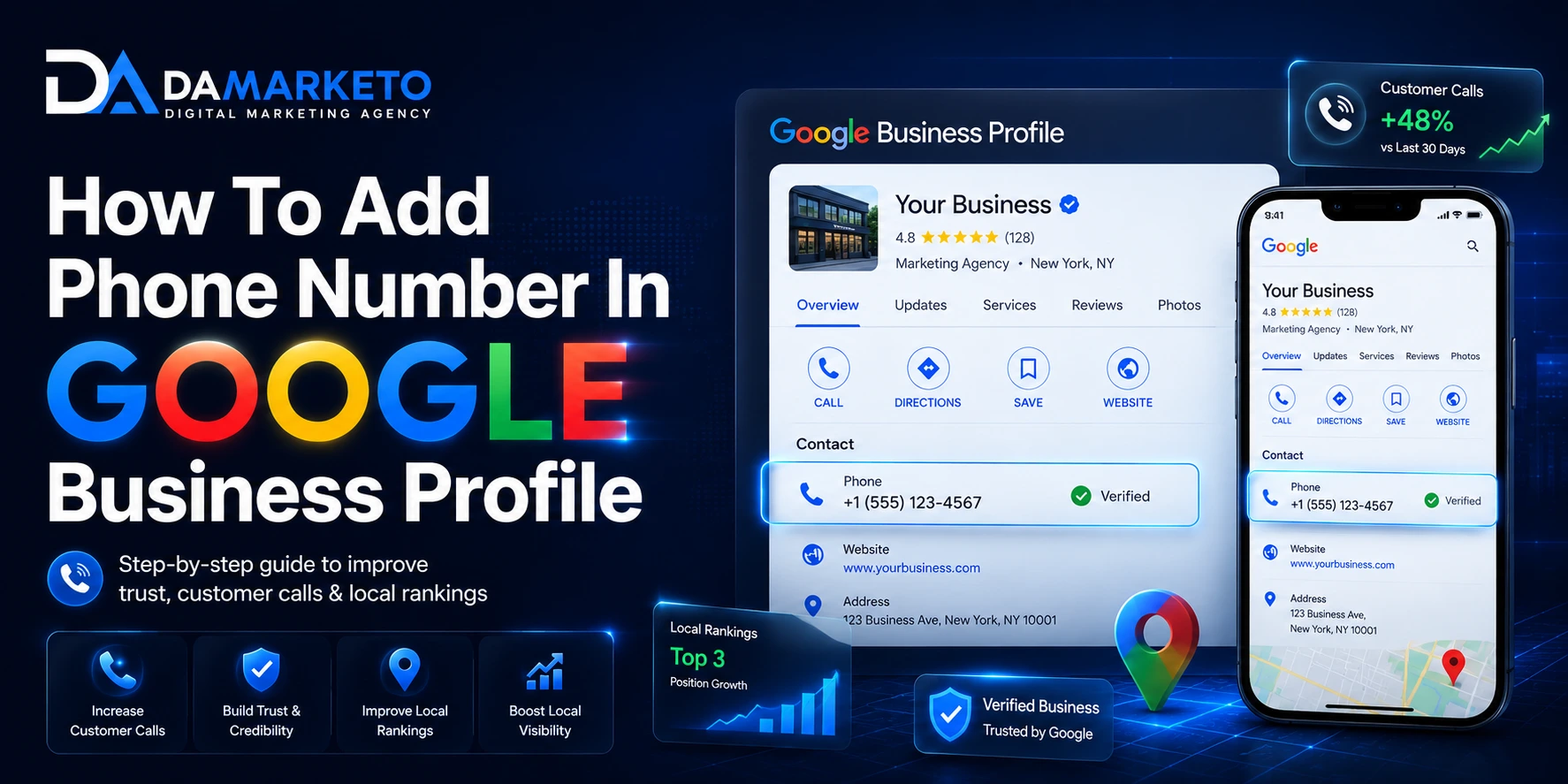
If a business is listed on Google and doesn’t have a direct contact number for customers to call, then they likely miss out on significant leads every day; this is true for countless businesses throughout the world.
Sometimes people want quick responses to questions, and instant communication is the easiest way for that to happen. More and more customers today don’t want to go to several websites or complete long contact forms anymore. Instead, they search for services using a search engine, see the business itself, and then tap on the business directory.
Let’s look at an example of this scenario:
If a customer is searching for a specific service provider in Kolkata, there are two search results in Google maps for him/her to choose from based on two different businesses. The first listing has customer reviews, photos, and the website listed, along with an operational telephone number being called. The second listing contains partial information on one of the listings but does not have an operational telephone number listed so that it can be called.
In this case, the first listing creates a feeling of trustworthiness compared to the second listing.
This is why adding a business’s telephone number to Google My Business profile is no longer just another step to setup your Google My Business account; this enhancement is critical for local search optimization, for establishing customer trustworthiness, for increasing visibility on the internet.
This guide will discuss how to add the phone number to your GMB listing, the impact on local search ranking, common mistakes made by businesses, and how a small amount of this optimization will help not only Google SEO but also to other current AI and future search engines.
Why Your Phone Number Matters So Much
Google Maps and Google Search provide quick access to businesses for customers in a local area.
When someone is looking for a service like a dentist, digital marketing agency, plumber, salon, restaurant, or coaching school, they do not want to waste time searching for how to get in touch; they want the quickest way to contact a service that can help them right now. One way for customers to get in touch with you immediately is if your phone number is visible and accessible on your Google Business Profile.
Providing this small piece of information makes you appear trustworthy.
Customers will feel like your business has an established presence when they see that your Google Business Profile contains complete business information. Additionally, customers will feel like your business is real and is actively providing a service to its customers within the community. This also allows search engines to gain a better understanding of your business.
Google will want to show businesses that it thinks offer high-quality user experiences for their customers. Typically, businesses with up-to-date contact information, accurate information about their business, customer reviews, and a history of such activity will rank highly in local search results in Google.
Even systems utilizing artificial intelligence (AI) search technologies depend on trustworthy business information. The systems with AI-based recommendations to assist users in finding the most appropriate business to assist them, will have similar processes to collect the information on businesses from credible online sources such as Google Business profiles. Because of this, your phone number does not only serve as a means for determining your company’s ranking in search engine results published on Google but also, your business will also have a presence in many AI-based systems that impact the way businesses are found via voice search.
What Is Google Business Profile?
Google Business Profile is a free service offered by Google that provides your new small business with online presence on Google Search and Google Maps.
Google Business Profile will provide important information about your small business, including your business name, address, hours of operation, customer reviews, pictures, website, and phone number.
If you’re a local business in India, Google Business Profile is one of the largest sources of incoming phone calls, website visits, and customer inquiries.
No matter what type of business you operate — café in Kolkata, clinic in Delhi, or digital marketing agency — your business’s Google Business Profile will be the most important aspect regarding your initial impression online.
How To Add Phone Number In Google Business Profile
Setting up a Google business profile can be simple; however, in some instances, business owners will confuse themselves or make an error in their profile creation.
To begin with, go to the official Google Business Profile interface.
Google Business Profile Dashboard
You must log into the system with the email address associated with your business.
Once you log into the Google Business Profile interface, you should see your business listed within the dashboard; if you have multiple businesses within your profile, ensure that you open the correct profile.
You should see an option labelled “Edit Profile,” select that option. Once you have selected the edit profile option, locate the contact tab and click on it.
Within the contact tab, you will see a field where you will enter your business telephone number, something I would strongly recommend you double-check before you press save since something as basic as entering the wrong telephone number could potentially lose you customers.
For an Indian business telephone number, I suggest that your business use a mobile and/or land line telephone number.
For example:
+911987654321
Once you have entered the correct telephone number, you can press the save button.
In some cases, the changes made to your Google business profile will appear instantly, in other cases, you may have to wait several hours for Google to approve the change(s) before they are made public.
A Real Example Every Business Owner Can Understand
For instance, if someone conducted a search for the keyword phrase “digital marketing agency in Kolkata,” they would pull up several different businesses on Google Maps by searching for locations within one area of Kolkata. Some businesses will have fully developed Google Business Profiles (Complete with: information, customer reviews, images, website), while other businesses will have only a name with limited info about their offerings.
Therefore, in general most people are likely to have more confidence in the business that appears more trustworthy and professional.
Thus, the primary focus of local search engine optimization (SEO) for local businesses is to spend equal amounts of time customizing every aspect of their Google Business Profile.
If you are looking to increase your digit presence and generate leads from your website, then hiring skilled digital marketing specialists to help you rank well for SEO, Google Maps, and have an operational AI presence can greatly assist in the successful growth of your business.
Why Your Phone Number May Not Appear On Google
A number is reported by many owners to have been added; yet they still don’t show up externally.
The usual culprit of this situation can be classified into the following three categories:
(1.) Failure to properly verify your Google Business Profile. If your business profile was not correctly verified there is a good chance Google will temporarily archive your business information.
(2.) The review process. Google will manually review all edited profiles prior to publication and this is a standard operating procedure for them to do so; therefore, it may take several hours during the review process.
(3.) Some businesses inadvertently violate Google’s policy. One of the frequent offenders include attempting to add promotional language to the telephone number (e.g., “Best SEO Company in Kolkata, Call Now”).
In contrast, the proper way to add your telephone number without promotional qualifiers would be as follows:
(4.) Technical difficulties can delay updates as well. To resolve this issue try refreshing your browser or viewing the Google Business Profile on an alternate device.
Best Practices While Adding Business Phone Number
Many businesses frequently overlook the significance of ensuring consistent branding. It is vital that the phone number used on the company’s site, its Google Business Profile, on social media and in online directories is always the same and remains current to establish trust with Google about the business’ details.
The phone number also should always be a working number (imagine being a potential customer attempting to call a number only to find out that the number is no longer in service), and not ever being able to reach out to your business will likely prevent the customer from calling back.
Also Read: Why Your Google Business Profile Isn’t Ranking: And How Smart Businesses Reach Top 3 on Google
Additionally, using a business’ number will add a professional appearance, and be more recognizable than using a non-business number.
People underestimate the importance of small details associated with branding.
Phone Numbers Matter to Local Search Engine Optimization (SEO)
Many business owners think that search engine optimization (SEO) only consists of developing keywords and building backlinks. However, trust and user experience are large factors in local SEO.
When consumers interact with your listing by calling and clicking, or engaging with your listing (i.e., Google sees these as positive signals), it creates a signal of trust to Google.
By completing your profile and including accurate contact information, Google can see that your business is authentic and is being managed.
Having a completed profile with accurate contact information can help improve:
– Visibility on Google Maps
– Local Search Rankings
– Customer Engagement
– Click-Through-Rate
– Mobile Search Performance
Businesses, with uncompleted profiles, are usually unable to compete against other local businesses who have optimized their profiles for local search results.
Avoid these Common Mistakes When Developing a Business
One of the most common business mistakes is keyword stuffing.
Many businesses attempt to include more keywords than necessary into the information sections of their businesses. This practice often appears to be spammy, undermining trust in the business’s profile.
Another mistake relates to the use of false or temporary phone numbers. Google prefers to show businesses using valid business information, and may automatically remove any suspicious businesses from the results.
Many businesses will miss all incoming phone calls. Although local SEO and Google Business Profile can provide leads, the phone call to the customer will result in turning that lead into a sale and revenue for the business.
By missing one call, a business may also lose the associated sale and potentially future business from that customer.
Conclusion
Optimizing your Google Business Profile, including how to add your business phone number, may seem like a minor task; however, it can provide a great deal of benefit to your business.
A phone number is not simply a piece of contact information; it is also a trust signal for customers, Google, and newer AI powered search engines
A business with a complete Google Business Profile instills confidence in the customer long before the customer has looked at the business’s website.
Today there is a tremendous amount of competition for visibility online. Trust is critical to your business.
Therefore, if you want increased local visibility, more calls from customers, a stronger presence on Google Maps, and increased discoverability via AI enhanced search engines, then optimizing your Google Business Profile must be a priority.
At times, minor changes will result in major gains for your business.
Frequently Asked Questions
How to add phone number in Google Business Profile?
Login to your Google Business Profile dashboard, open the “Edit Profile” section, enter your business number in the contact field, and save the changes.
Why is my phone number not showing on Google?
This may happen because your profile is under review, not verified properly, or Google is still processing the update.
Can I use my personal mobile number?
Yes, but using a dedicated business number usually looks more professional and improves customer trust.
Does adding a phone number improve Google rankings?
Indirectly, yes. A complete and trustworthy business profile supports stronger local SEO performance.
Is Google Business Profile free?
Yes, Google Business Profile is completely free for businesses.